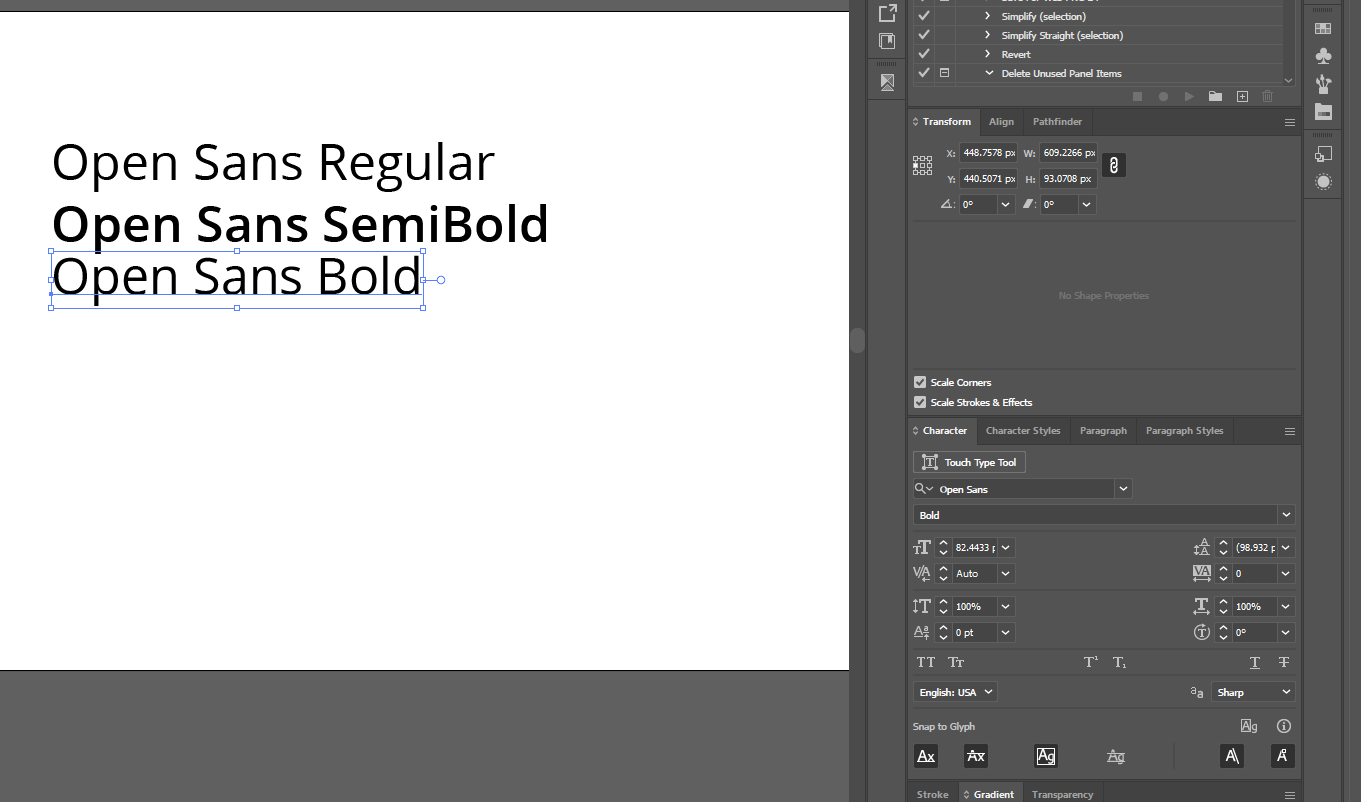
Windows 11, version 26H2. Since upgrading to Fontbase 2026.7.0, my auto font activation is not working in InDesign. I have tried removing and changing auto font activation under Settings, but it is still not working.
I had the issue with some fonts in the prior version as well. I was about to make a report on this.
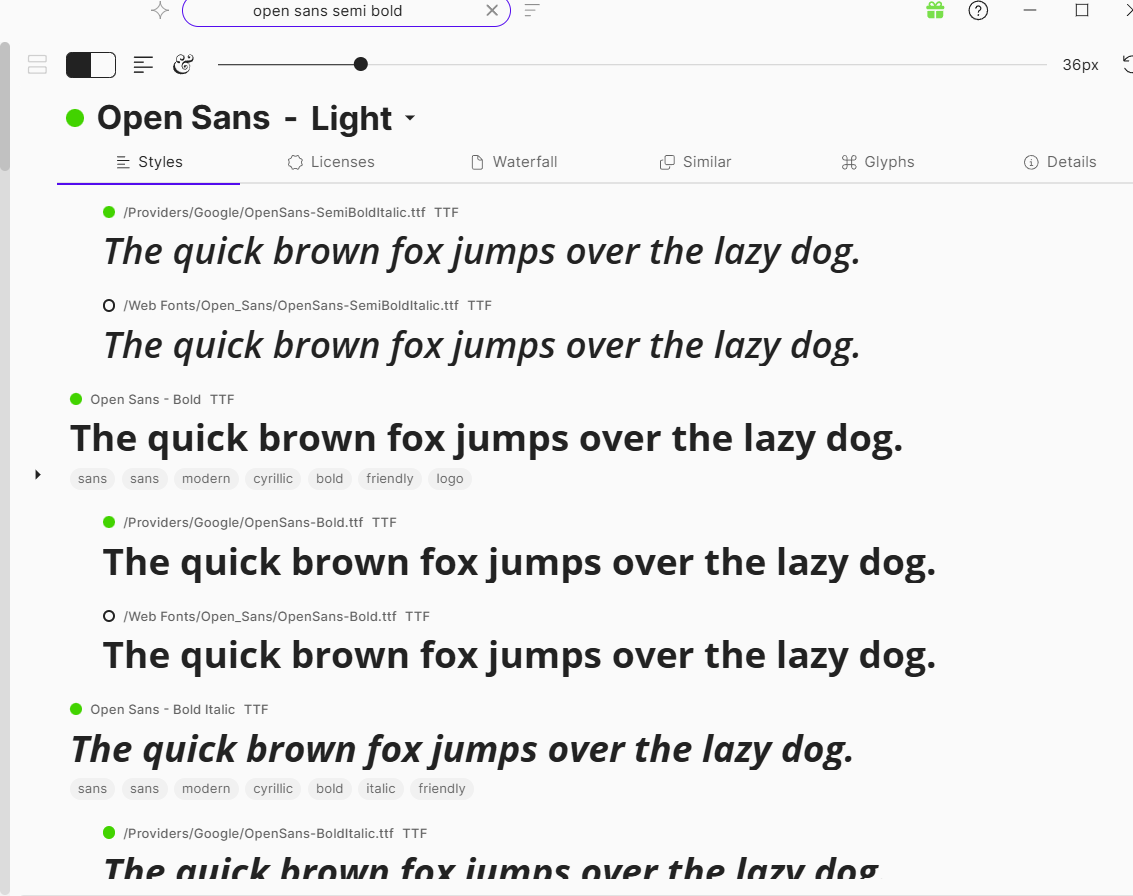
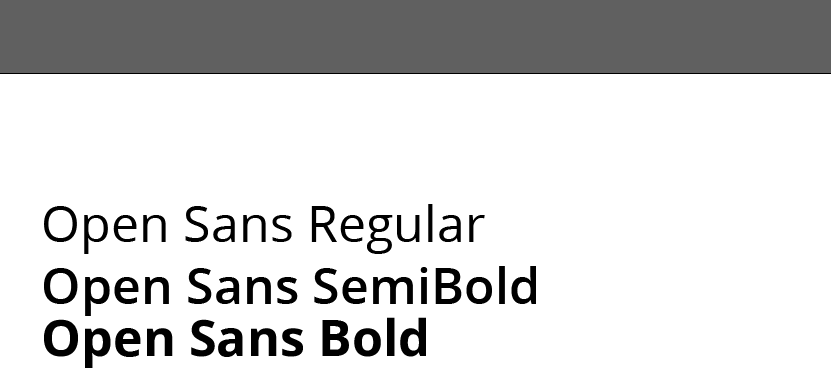
I have this issue with a Google Font, a provider; its the Open Sans. Half of the font family works properly; some dont. everywhere in the OS it previews properly, but in none of my Adobe apps, does it show properly as a Bold font.
I have another source of the same font, exact same thing
I even went as far as downloading version 2026.5.0 and also 2026.4.6, same issue. It just wont show properly. For now i use default install method, i need to font now as this already wasted work hours
Are Adobe apps the only ones with this issue or does it happen in other software as well (e.g. MS Word etc)? Also, have you had any luck in contacting the Adobe support to see what the cause of this issue may be?
Thanks for the reply. No I have not contacted Adobe. I’ve seen this same behavior in other fonts as well. Sorry nice installing the font into the systemz it does work and does show in Adobe apps. This makes me feel it’s due to FontBase. I know the issue can be caused with fonts which have conflicting name settings inside the font. I see this a lot with free fonts. When I open them with day FontForge, I can change the attribute settings and correct them and it then works properly.
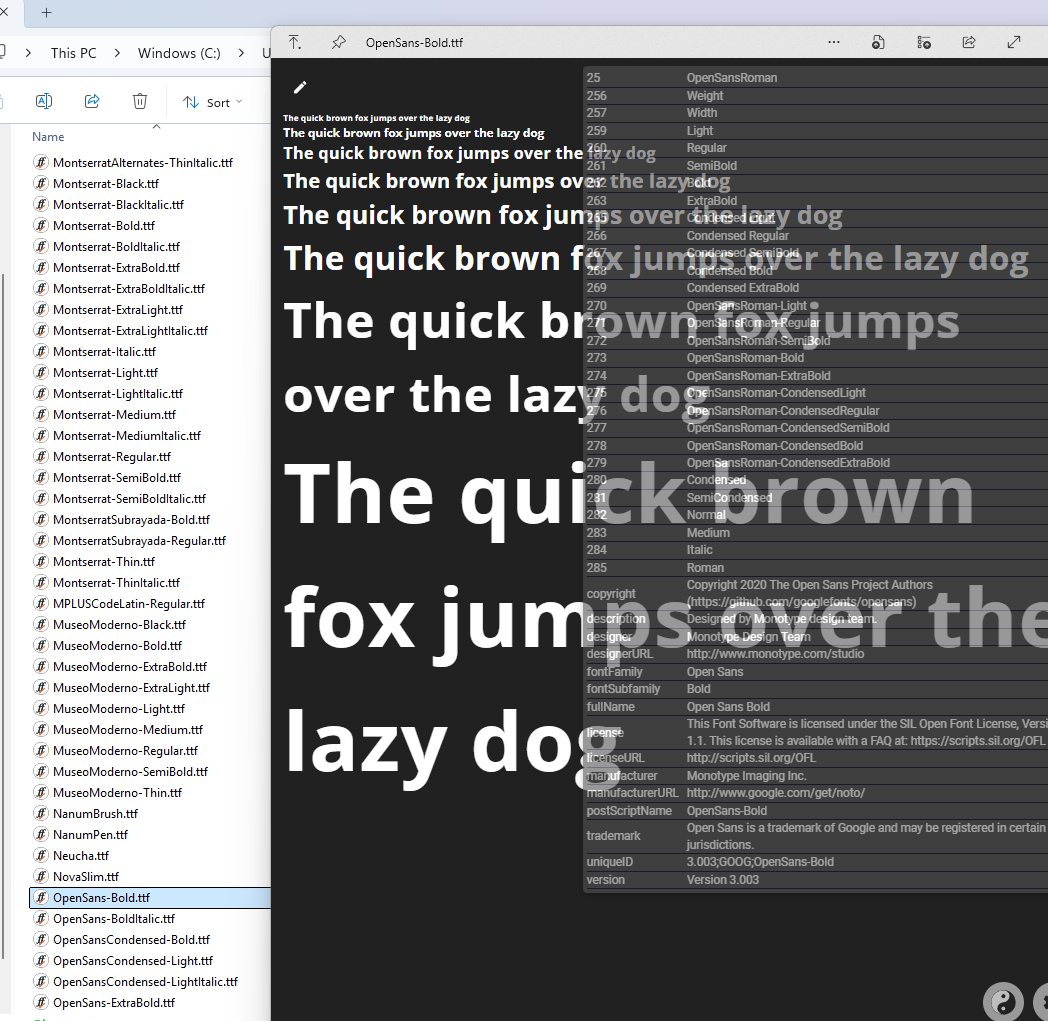
But this is a Google don’t and on inspection, everything seems to look correctly set up. Its also strange it only happens for the Bold of this fsmily
I’m having the same issue with 2026.70 on a Mac running OSX 15.6 in InDesign 21.4.1. Auto activation is sluggish and does not activate all of the fonts within a family. I have tried to work around it by activating the fonts so they stay loaded, but when I open a document, the auto-activation deactivates certain fonts in the family.