I am wondering how should i set up the porgramm. With the right click on the folder s I can choose Autoactivate: Disable or Enable. What doeas it mean?
I have tried with the two settings and it seems there is not difference, both are activated when I opn a file
Hi
This is for include/exclude the folders for the auto activation function for creative cloud I suppose (mostly I don’t use auto activation).
Hello @studiomasi, thank you for the post and welcome to the forum:)
Autoactivate feature is meant for folders where you keep the fonts you want to be active all the time. E.g. you add a MyActiveFonts folder into FontBase, then toggle the Autoactive feature (blue icon instead of green). At this point Autoactive and Active folders are not different from each other.
Where they are different is when you add another font into a folder. If a folder is Autoactive and you add a new font file into the folder, FontBase automatically activates it.
Hope this helps,
Yuriy
FontBase Dev Team
Than this feature is broken. Ive tried this over and over, with autoactive enabled, new fonts are not activated automatically. They show blue, meaning, deactivated.
1 Like
Hello @rombout, thank you for your comment 
When you say “they”, do you mean the fonts or the folders?
Do the fonts not become active after you toggle Autoactive to “on”?
Thank you again,
Yuriy
FontBase Dev Team
Sorry for late reply. Yes correct. When i add new folder or separate fonts into an existing “Auto enabled” folder, they do NOT become active automatically. Is this perhaps a paid feature?
Thank you for your reply @rombout
This is not a paid feature as far as I’m aware. I saw your posts in other topics recently regarding updates to the application. Would it be possible for you to try to update FontBase to the most recent version and try again?
Thank you again,
Yuriy
FontBase Dev Team
1 Like
Okay i was recording it, then i got a weird idea.
As i thought, it does work, but not with nested sub-folders. By that i mean, if i drop font folders inside the a folder, they dont get auto-activated. it only works if i drop the font it self.
I wish it did sub-folders, because many times, i drop a complete font family in there. If they are not in folders, it will be a HUGE list of folders.
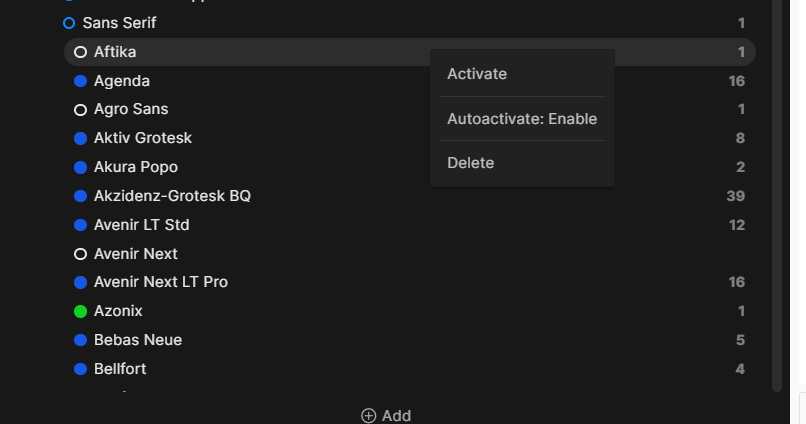
The issue i guess is, that each font family folder, no also shows this “autoactivate”
This is the manin folder “Sans-Serif”
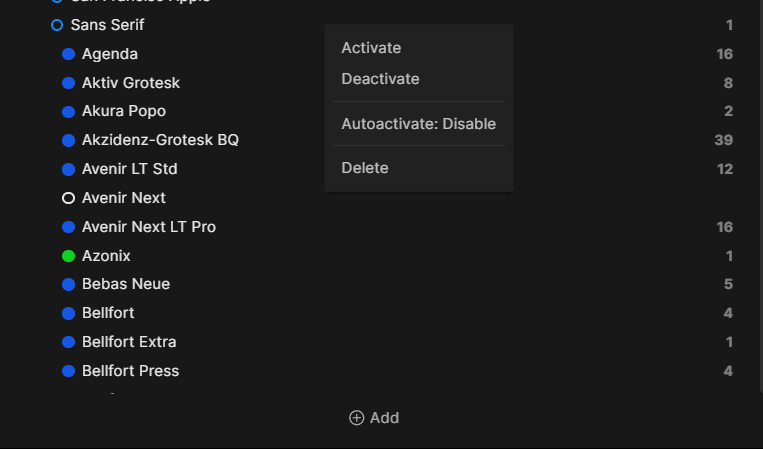
Add font folders also show the “AutoActivate” option
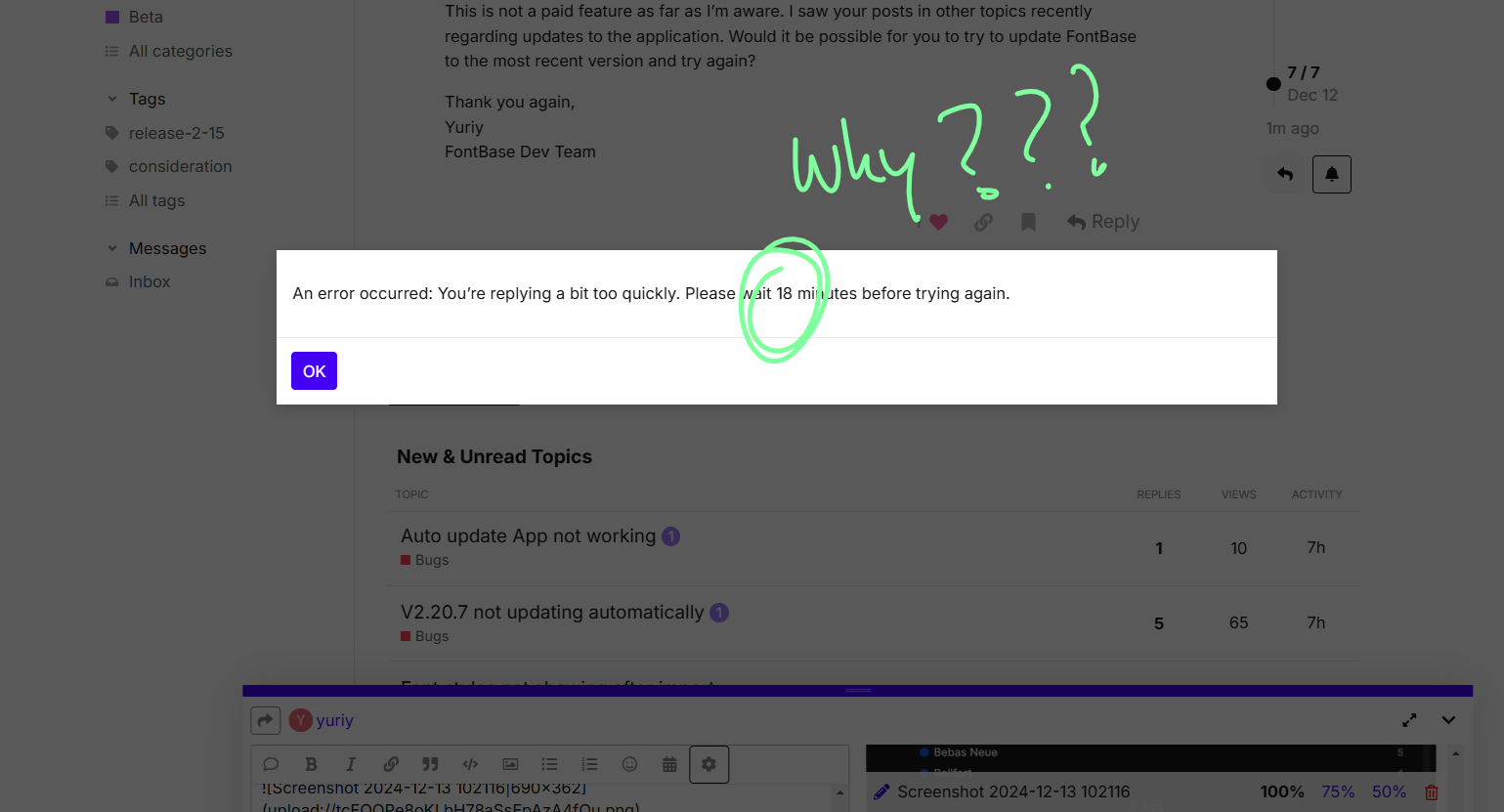
For god sake, please delete that post delay method. Its so annoying. Every time i want to reply, it takes 10~30 minutes. Just use some other spam control.
Thank you for the quick reply and the additional investigation @rombout
You are absolutely right, was just able to reproduce it myself, pretty sure the fix will be ready by the time the next update rolls out, sorry for the inconvenience 
And thank you for your comment about the spam control, will see what I can do about that.
Thank you again,
Yuriy
1 Like
Being able tonauto activate nest folders would be great!
1 Like
I agree, auto active should just be a default behaviour that is on. Meaning if an app needs the font it triggers an auto-activation from fontbase. In which case the auto activation via an app turns the active icon for these fonts blue. That delineates choose activation from app-triggered activation.