I’m having the same problem, can’t install plugins on the new MacBook Pro M3.
Hello @yasindenizince, thank you for your post 
Have you had these problems before or did everything work fine until a certain point?
Is you subscription ok and are other AWESOME features work without issues?
Yuriy
FontBase Dev Team
I have been using it on Windows for 2 years and have never had any problems. On the newly purchased Macbook Pro M3 system, I installed it according to the installation instructions, then followed the reset instructions and reinstalled the program. The fonts are activated and working, but since the plugins cannot be loaded, the fonts used in the files I have previously worked on are not activated. In short, I can’t find the fonts I need, so I have to activate them manually.
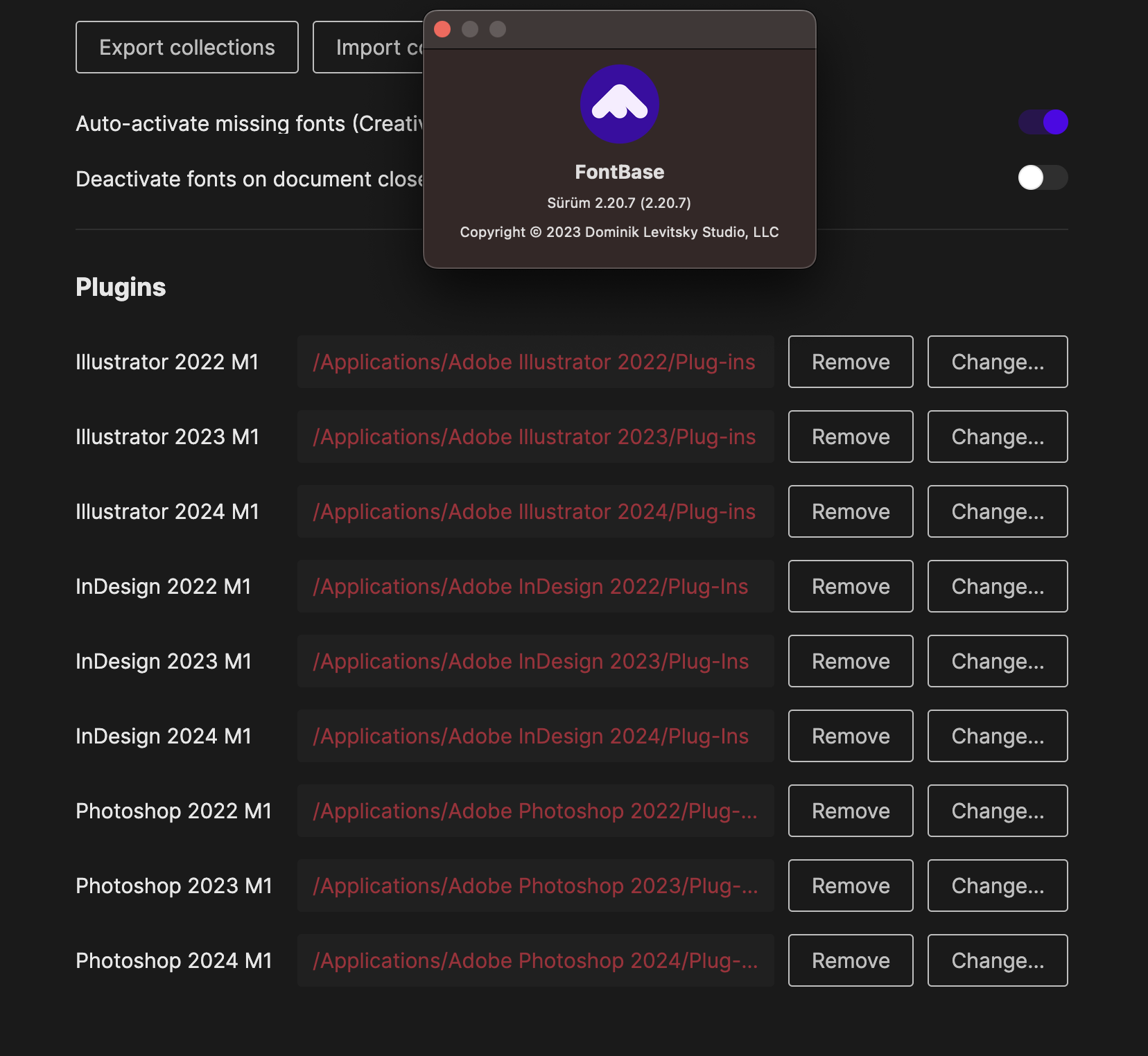
Thank you for such a quick reply
What happens when you to to install a plugin?
When I reopen the files that I have saved before, it activates the fonts that I have used and have not saved by searching google and my font folder. I think this plugin does that.
Because it cannot find and activate the fonts I used in my old work. I manually activate the fonts. Other features of the program work.
Thank you for your reply
Could you please try to disable the Auto-activate feature try opening some of those files you’ve mentioned? If the fonts are not activated in this case, then indeed the plugins work as intended.
Also, would you be able to answer the question I posted above?
On another note, you’ve mentioned the fonts you used in your old work. What does that mean exactly?
Thank you again,
Yuriy
Hello, first of all, if you look at the attached image, you will understand what I mean. The Fontbase program should be able to find and activate the fonts shown in the image from the “FOLDERS” section of the program, but it is not able to do so. I believe the reason for this is that Adobe programs cannot install FontBase-Win-Illustrator-2024, FontBase-Win-InDesign-2024, and FontBase-Win-Photoshop-2024 in the “Plug-ins” folder on Mac as they do on PC. To reiterate, I am able to use the FontBase program smoothly on my PC with Windows but I am unable to use it on my new MacBook M3 Pro.
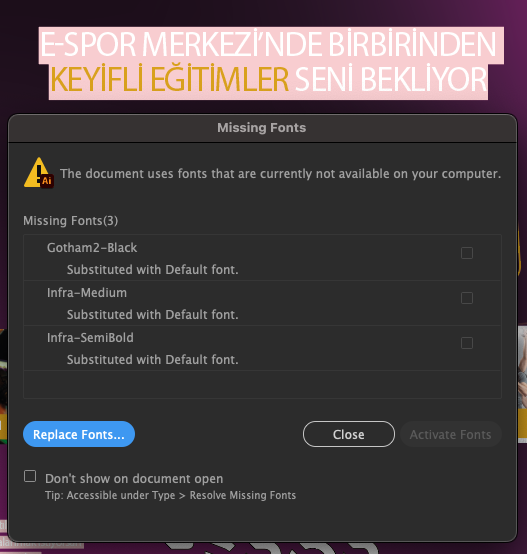
Thank you for the additional information
Would be grateful if you could answer the rest of the questions above:
It would really help in understanding what is going on exactly.
Thank you again,
Yuriy
Currently, I cannot check on my Macbook as it is at the office. However, at one point, I completely closed the FontBase program while working in Adobe Illustrator, causing the fonts to also close. When I reopened the FontBase program, the fonts in the working file became active again. In response to your other question, for example, when I open an Illustrator file that I worked on in 2023, FontBase cannot find and activate the fonts from the ones I added to the FOLDERS tab.
Thank you for such a quick reply and the additional info
Yes, turning FontBase off will make the activated fonts unavailable, re-starting FontBase will re-activate these fonts, everything seems to be working here as intended.
Have you perhaps had the chance to try re-installing (removing and installing again) the plugins?
Yes, I have followed the instructions on Installation — FontBase Tutorials and Reset Settings — FontBase Tutorials.
Thank you for the quick reply
I mean re-installing the plugins themselves, not the entire application. Have you had the chance to try that already?
I have been talking about the same thing from the beginning of the issue; I cannot install plugins. In other words, the Plugins folder is empty, so I cannot reinstall something that does not exist.
Thank you for confirming this
What happens when you click “Change” and select a respective Plug-Ins folder in the relevant CC app? I think I’ve asked this above, but I might have missed the answer, sorry 
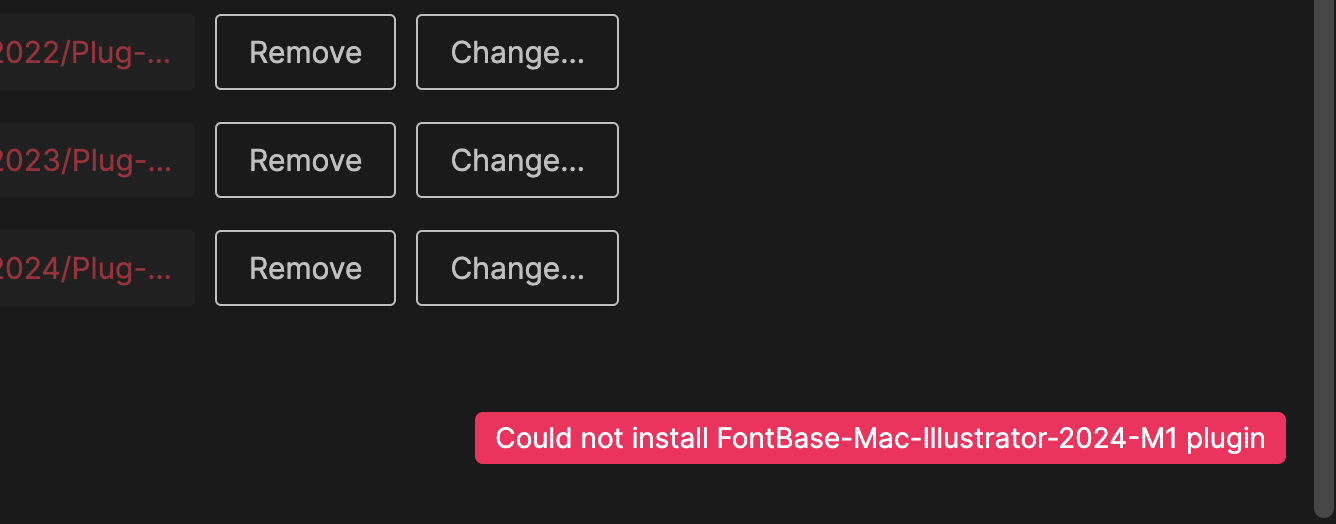
Thank you for the screenshot
Could you please confirm 3 things:
- What is your current OS version?
- If you create a new folder, e.g. somewhere in the standard downloads folder, and select it in FontBase as a CC app plugin path, do you get the same error message as in the screenshot above?
- Does the “Export collections” feature work?
Thank you,
Yuriy
Answers to your questions:
- macOS Sonoma 14.5
- Could not install Fontbase-Mac-Illustrator-2024-M1 plugin
- A JSON file is created along with the message “Collections export successful.”
Thank you for such a quick reply
This is very odd.
Would it be ok if I DM’ed you a plugin file, so that you could copy it manually into a CC app’s Plug-Ins folder and see if it would work that way?
You can send the file, there won’t be any problem, you can send it
Thank you
DM’ed you the details. Please let me know if it helps