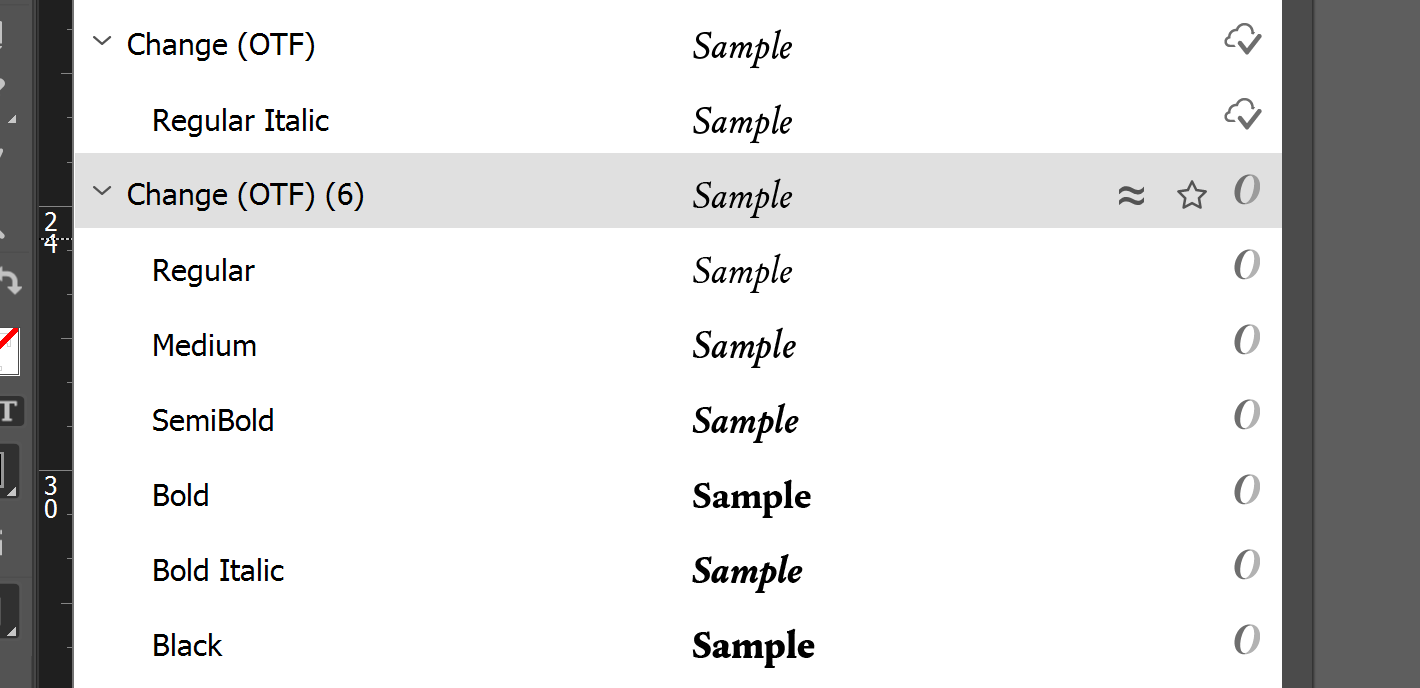
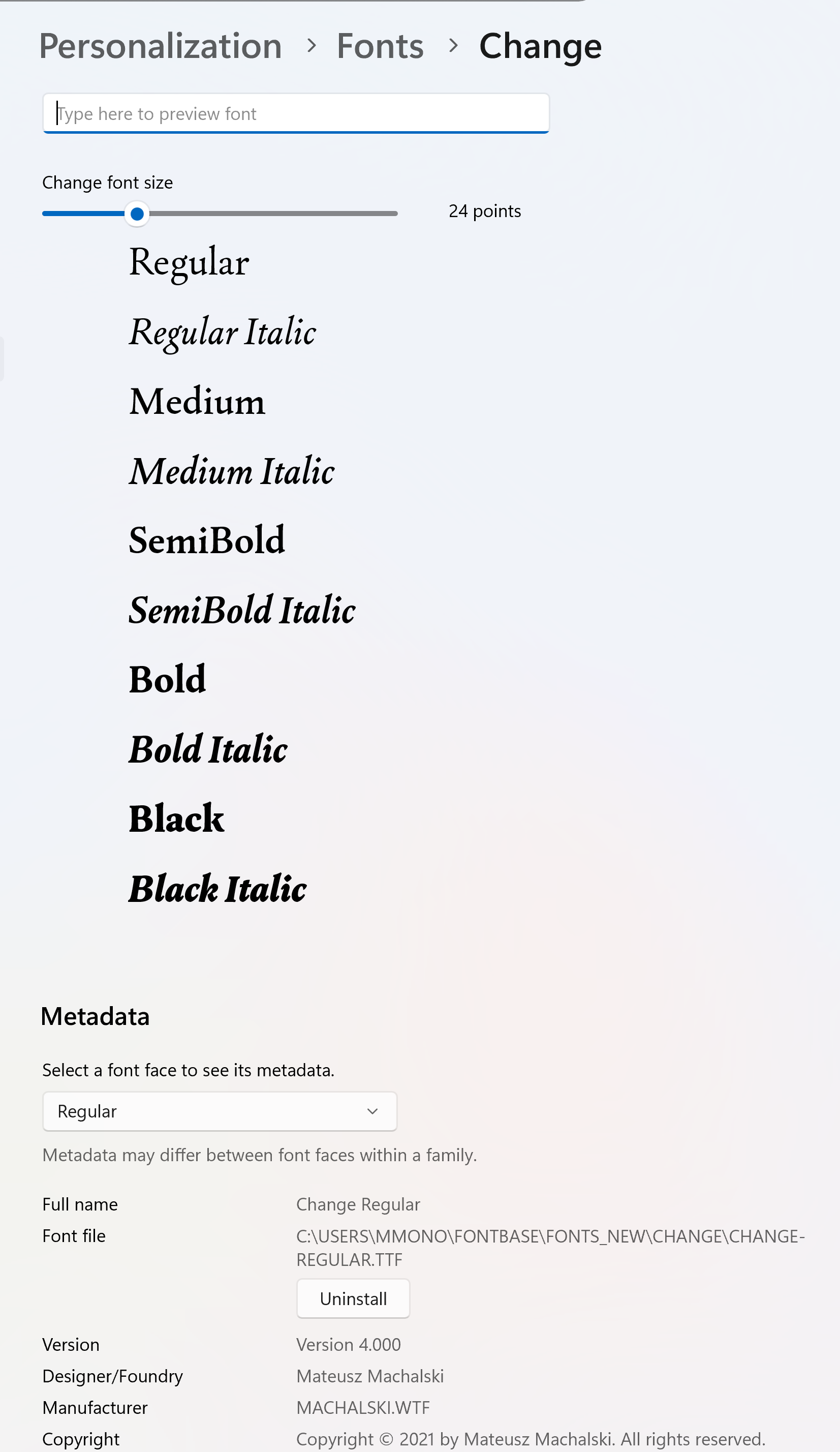
Change font, both the one available from Adobe Fonts, and installed locally as a TTF or OTF, will not activate correctly in InDesign 2024 or 2025.
The font shows up in the Fonts control panel as have 10 font faces, however in InDesign there are two entries, both say OTF, whether or not TTF or OTF is installed, with one entry having one font face and the other have six, a total of seven instead of ten.
Any idea what’s happening? I haven’t have the same issue on the Mac.
Hello @magnavra, thank you for your post
For now it looks like this might be caused by auto-activation (via plugins) of the fonts available in FontBase.
Is it possible that within the same document you have both the system-installed and FontBase-activated font versions in use? Using only one of them, not both, if possible could be a way to resolve the issue.