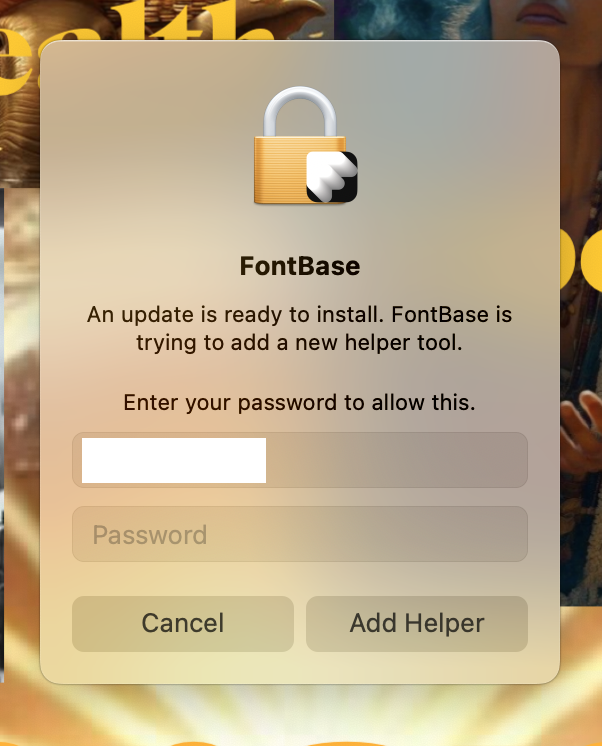
Where is FontBase located at, in ~/Applications or in /Applications? This seems to happen when you don’t have all the correct file access rigths and the app is installed inside the /Applications directory (for all users not the current one).
Also, try locating the FontBase.app file, right click it and select Get info. Then in the bottom part of the opened window, there will be a permissions section. Make sure you username is in the list and it has read and write access.
Doing this low-level file search and destroy, follwed by a fresh install from the latest download from your website = has worked for one user.
Doing another users device now… TBC …
Here is the soltuionI have found… .. and it is not your Software? It is Apples security?
The issues lay with Systems Preferences → Privacy & Security → Full Disc Access → FontBase.
This trigger just was not updating I believe.
Following this, having the same issue.
iMac M class (2 separate machines)
OS 26.3 (25D125)
Fontbase Version 2.25.10 (2.25.10)
Persistent popup same as OP
 constantly …