I’ve been using FontBase for a long time, but recently it stopped displaying any fonts on my Windows 11 machine.
As you can see in the attached screenshot, FontBase says:
“So lonely here. Try adding some fonts…”
However, this isn’t true. My font folders are correctly added, FontBase detects them (the font counts are visible in the left sidebar), but the main window remains completely empty.
A few more details:
Windows only (works perfectly on my macOS machine)
Root folder is correct and accessible
Google Fonts also don’t appear
Collections show font counts, but opening them displays nothing
Reinstalling and installing old FontBase versions didn’t help at all
I couldn’t find anyone else with the same issue.
Unfortunately, this is the reason I cancelled my subscription. It’s also very frustrating that there is no official support for paid users, so I’m hoping someone here knows a solution.
Hello @nikiplamenov, thank you for your post and welcome to the forum
First of all, very sorry for the inconvenience this situation has caused Have you had any luck contacting our official support directly via email?
As for the situation itself - could you perhaps remember what other parameters or other things changed around the time the app stopped working properly? There have been no recent changes to FontBase, so most likely the cause is not inside of it but rather something external to it (OS updates, changes to other applications etc).
First of all, you’ve made it surprisingly difficult to find an email address for support. I’ve searched several times, and if one exists, it certainly isn’t obvious enough.
As for the issue, no other settings or system parameters have changed. This machine is used exclusively as a workstation for Adobe Creative Cloud applications. Apart from regular Windows updates and Adobe updates, nothing else has been modified.
I did have another font manager installed while FontBase was still working correctly, so I thought it might be causing the problem. However, I completely uninstalled it and deleted all of its remaining files and folders, but that didn’t resolve the issue.
As I mentioned earlier, I’ve tried installing FontBase versions 4.6, 5.0, and 5.17, but none of them display any fonts.
Hello @nikiplamenov, thank you for such a quick reply
Has logging in and out of the application make any difference in what was going on?
You’ve also mentioned that you already tried uninstalling and reinstalling FontBase - was this before or after you’ve removed the other font manager?
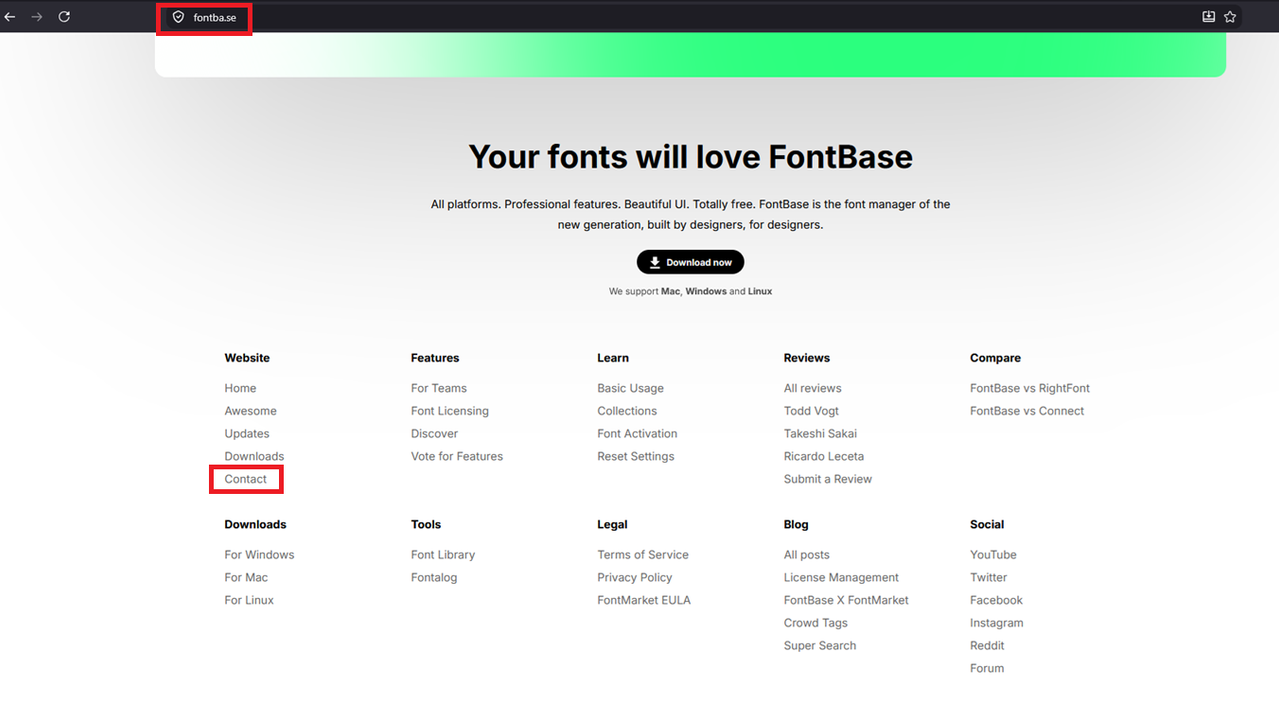
And sorry about the inconvenient contact option placing
It can be found here on our website:
This exact problem is happening to me as well and I can’t figure it out. I’ve tried the same troubleshooting and it’s still not allowing any fonts to be displayed or controlled with activation. Just the same type of view that the original poster has basically. I’ve sent an email to support yesterday, currently waiting a reply.
i recently had this problem and clearing the cache folder works. it’s just that it deleted my collections inside the fontbase, but you can prevent this if you move it to your desktop first as a backup (i didn’t so i bid goodbye to my collections.)
you can delete it by following this:
press Windows Key + R then type %appdata% and enter. once you’re inside it, just find the folder fontbase and backup it and delete. it will work fine now.

 Have you had any luck contacting our official support directly via email?