Mac Tahoe 26.1
FontBase 2.24.9
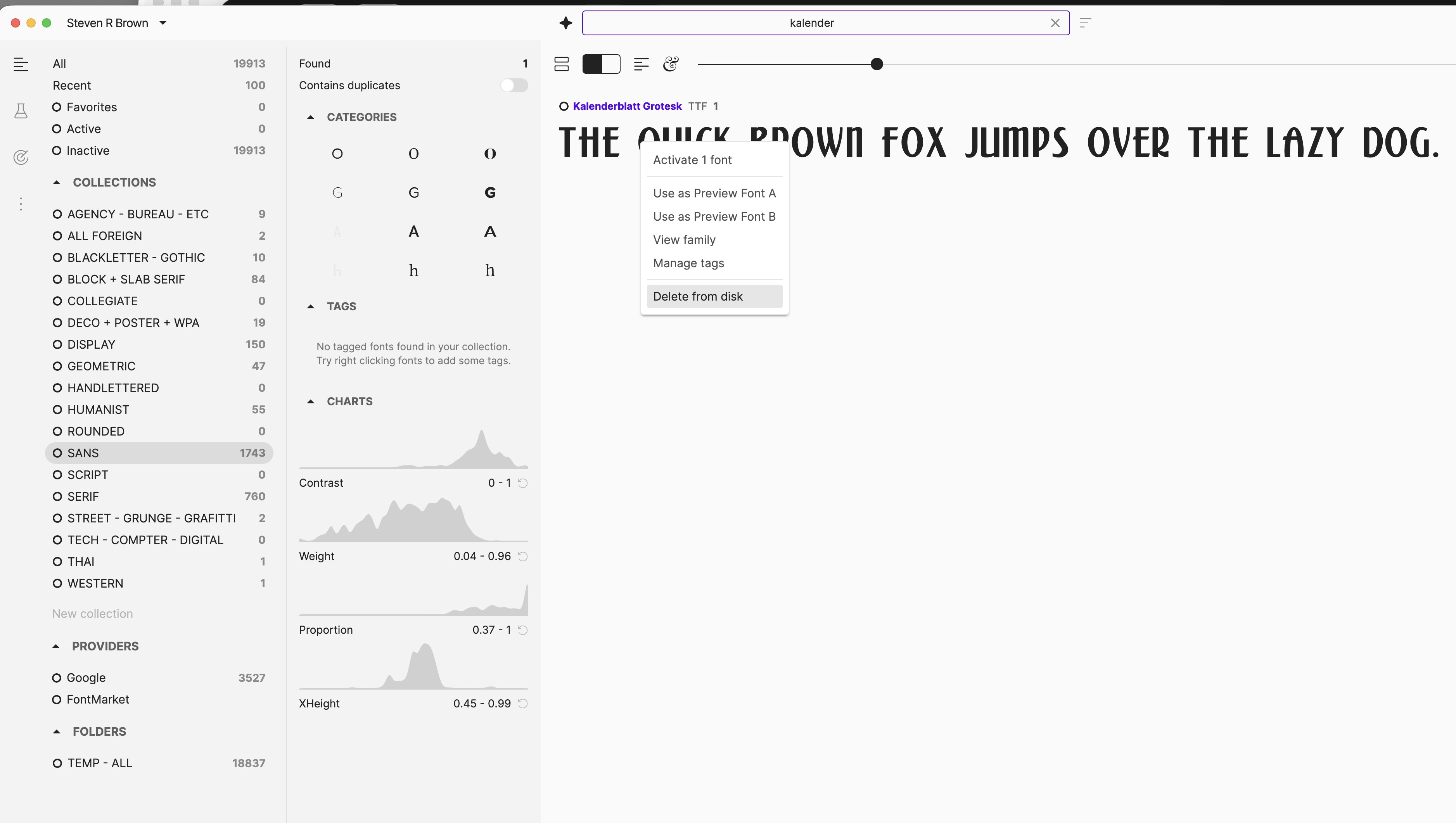
Can’t delete a font (or a selection of fonts) from a Collection. The only option is “Delete from Disk”. Screenshot attached.
thanks
Mac Tahoe 26.1
FontBase 2.24.9
Can’t delete a font (or a selection of fonts) from a Collection. The only option is “Delete from Disk”. Screenshot attached.
thanks
Hello Steve, thank you for your post 
Simply click the desired font in the collection and drag your pointer - an area will appear on the right with a bin icon on it. Dropping the dragged font over that area will remove the font (or fonts, if you have more than one selected) from the collection.
Thank you again,
To remove a font from a Collection, click and drag the font to the bin icon that appears on the right. Dropping it there will remove it from the Collection without deleting it from your disk. You can select multiple fonts at once this way.