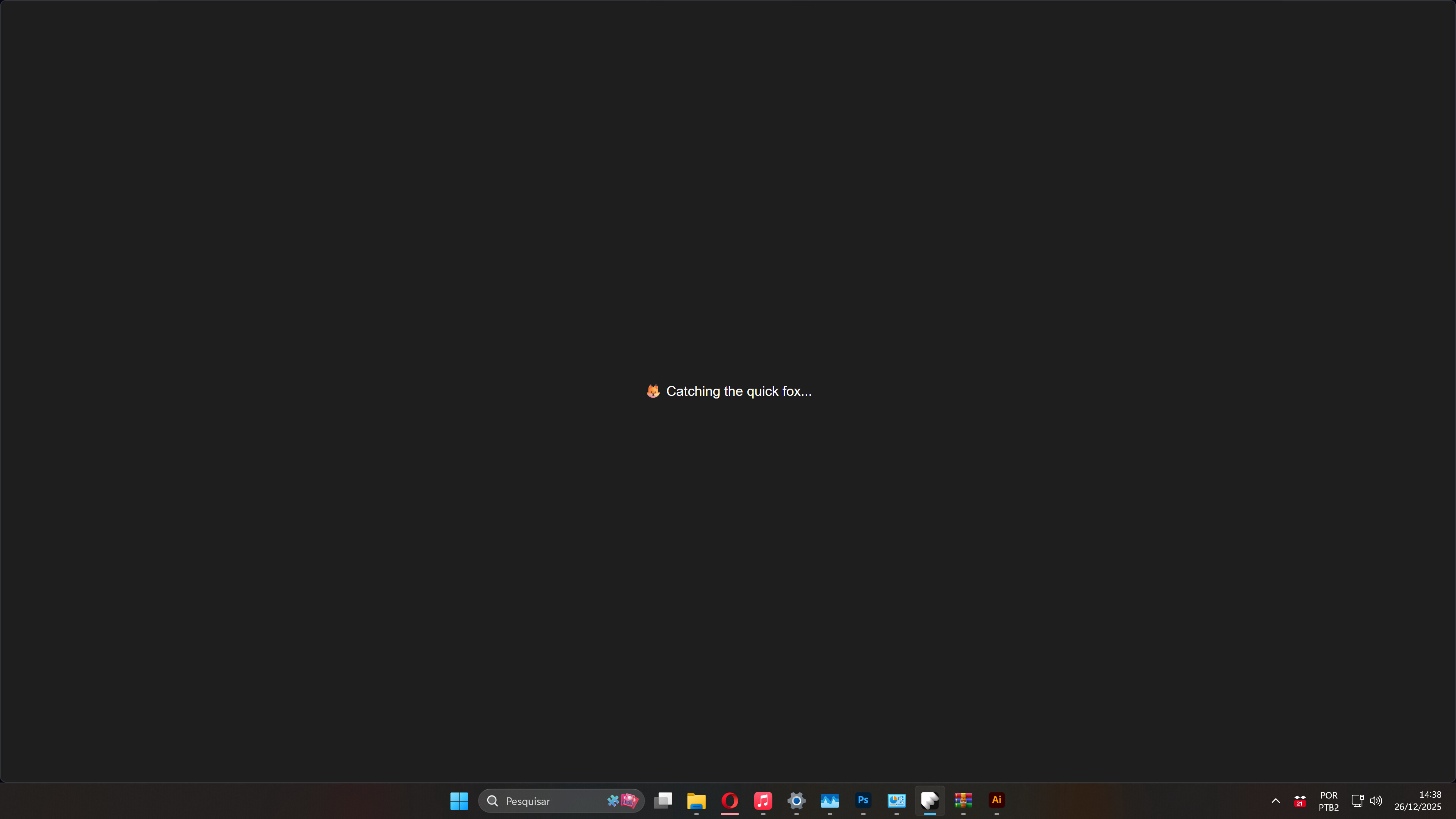
Hello, I’m having trouble opening the app.
When I download the latest version (2.24.9), the FontBase window doesn’t open, and the icon doesn’t appear with the other apps. Because of this, I tested previous versions I have, and all that appears is the attached image.
My PC is running Windows 11 Pro. Do you know what might be happening?