Please include the flowing when reporting a bug:
- Win11 25H2
- 26220.7344
- 2.23.1
- Update action
At work i noticed i had a new version, that was on m1 osx sequoia.
Back at home i run Windows 11 25H2.
But when i try the “Relaunch to update”, nothing happens and i see the same message
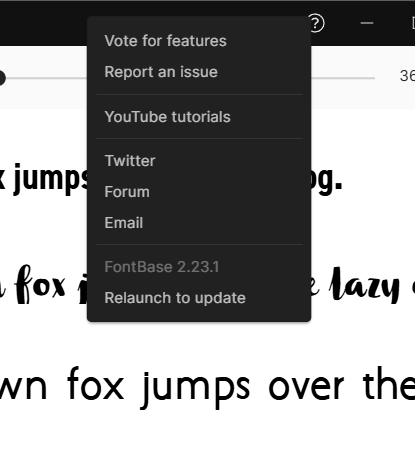
EDIT
When i tried to manually update, by executing the exe in the appdata folder. Nothing happens, i see its running in the background. I also tried again in the app. But after 2x, still nothing. 2nd time i did get a warning “cant update”
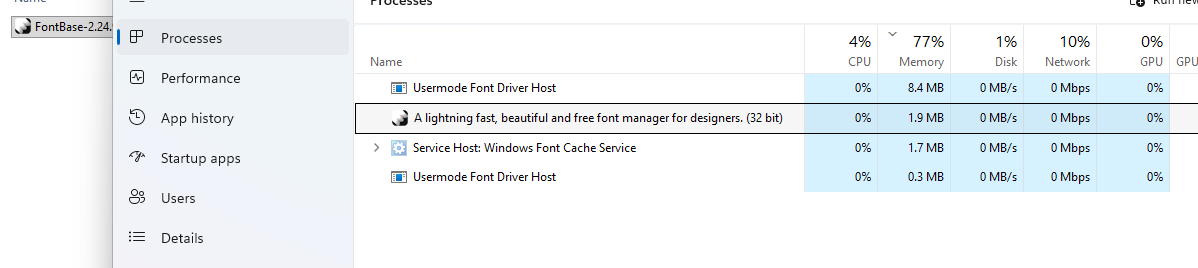
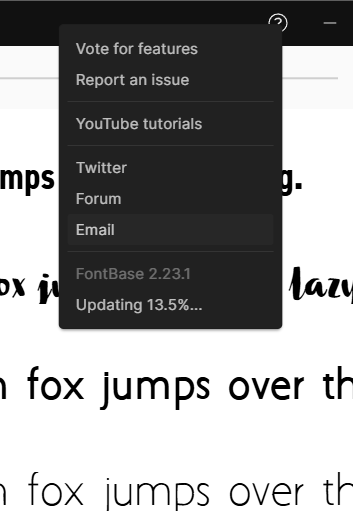
I also see a temp_file in the appdata folder as its showing the update process.
That exe doesnt do anything though.
Also just tried manually update by using the updater under
C:\Users\USERNAME\AppData\Local\fontbase-app-updater\pending
But nothing happens, tried to run as admin, still nothing
Ive now use manual install by downloading from the main website
