Windows 11
25H2 - rs26200.5710
2.21.0
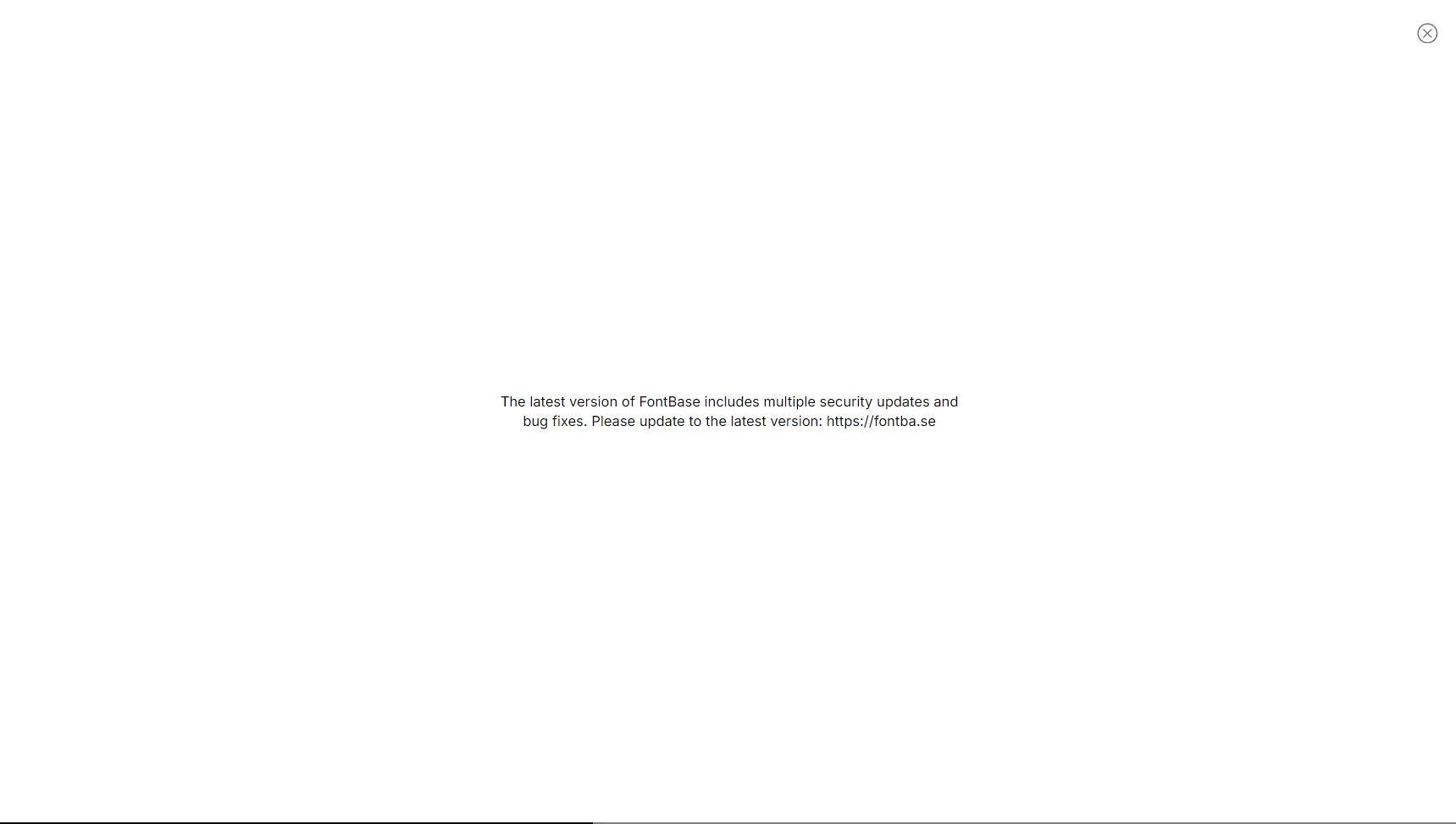
At work on an M1 Mac Mini after a restart i got the new version. Now back at home after about a week or so. I got this dialog in FontBase as well. It said something about an update and visit website. But shouldnt it auto update?
Ive seen this before, there were issues where it would not update.
There is no way to check for updates. Normally we see this card in bottom left for warning. I cant remember i saw an error. Prior it would show “cant update” or something like that.
I had this issue before, see this post; Auto update App not working
Now i dont see the setting anymore, prior there was a setting “Auto Update”
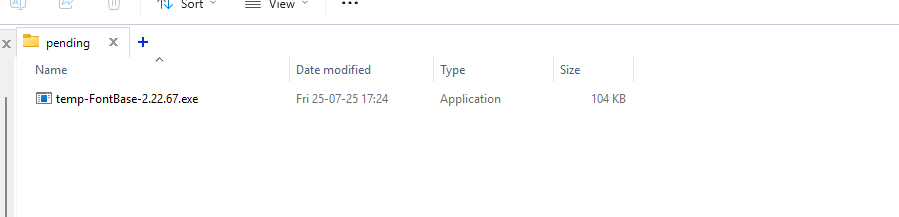
I dove into appdata folder again, i rember from that older post, i saw an updater file
i checked to day and do see a folder about a new version. Now i triggered that update dialog again.
To be honest, at least add a link or something.
Also saw this .exe file, first it was 28mb after starting fontbse, i see the exe is couple kb. Not sure what this actually does