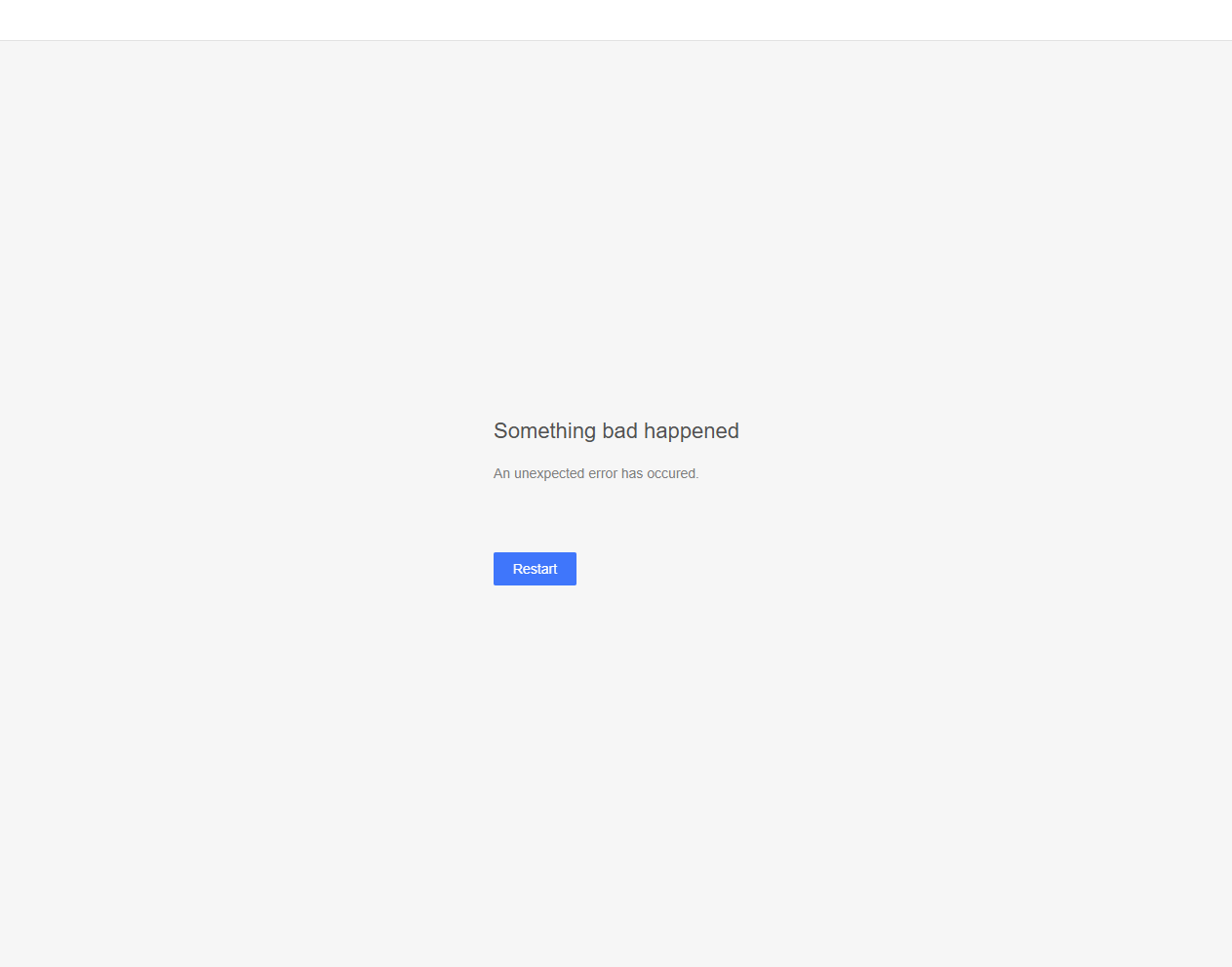
After installing FontBase version 2.24.4, the app crashes an error every time I try to open it. I’m running Windows 10 Pro 22H2 (build 19045.6575).
Anyone else having this issue or know of a fix?
After installing FontBase version 2.24.4, the app crashes an error every time I try to open it. I’m running Windows 10 Pro 22H2 (build 19045.6575).
Anyone else having this issue or know of a fix?
Hello Kabello, thank you for your post and welcome back 
https://fontba.se/learn/reset-settings this might resolve the issue, but please be wary of the warning to make a reserve copy just in case.
Thank you again,
Unfortunately that didn’t work, the error is still there. 
Thank you for the quick reply Kabello
Would it be possible to repeat the procedure, but this time move the fonts from the FontBase folder someplace else, at least temporarily, before re-installing the app?
Thank you again,
Unfortunately this didn’t work either.
I did a completely clean uninstall: ran ‘Uninstall FontBase.exe’, then manually deleted the C:\Users\USERNAME\AppData\Roaming\FontBase folder and even the entire FontBase root folder.
Basically the cleanest reinstall possible… and the error is still there. 
You shouldn’t be installing in the roaming directory, try putting it in a local folder or in ProgramData.
I really don’t think that’s the issue. I’m using the exact default path that the installer suggests
I’m in the same exact boat as the OP. I’ve force quit everything fontbase in Activity Monitor and tossed the entire ~/Library/Application Support/FontBase folder and I still can’t get to the app to successfully launch. I’ve tried restarting the machine, re-downloading the app, nothing works. I’m currently in a holding pattern with work until I resolve this.
Latest up-to-date version of macOS on Apple Silicon.
Hello @kabello @maw.thra, thank you for the additional info
Did this issue occur on 2.24.0? Would it be an option to uninstall the current version (sorry for having to repeat this procedure so many times, but this indeed a very rare case) and download v2.24.0 directly from FontBase — Update History ? And disable auto-update right away.
Could you please also provide the specs for your computer, CPU and video card to aid in the investigation process?
Thank you again,
We have completed a development build that could potentially fix the issue with the startup crash. You can download it here:
Windows: https://drive.google.com/file/d/1bsLzhTIUCgr2wRx9O0ha0IXzpIErEMxL/view?usp=sharing
Mac: https://drive.google.com/file/d/1-PR6Yp2f7SHIIsW-aC6-hEKmNz8Mv5qf/view?usp=sharing
After installing, please tell us if the issue got resolved as soon as you can so we can publish this for everyone else too.
It worked and it didn’t. I can at least get the FontBase window to stay open/visible on my screen… before I would get the Something bad happened notice but could never get any FB window to show on the screen again after clicking Restart. Now the window opens, I get the Something bad happened screen, I click Restart, FontBase closes (as in, it’s not even in the Activity Monitor) so I manually launch it again and I get the Something bad happened screen, and now it’s in a loop of that happening over and over.
Before I try every time, I use Find Any File and delete every trace of “fontbase” from the machine and I’ve moved my pre-existing font folder to another location not on the machine to make sure it wasn’t something in there causing the issue, but… it still doesn’t work for me with this development build, unfortnuately.
I’m on Windows 11 and have the same issue.
I removed all FontBase app data, renamed my FontBase fonts folder, did a clean reinstall, and even installed latest 2.24.5 — the error still appears on launch.
Thanks for testing that. I have updated the Windows version https://drive.google.com/file/d/1bsLzhTIUCgr2wRx9O0ha0IXzpIErEMxL/view?usp=drive_link Can you run that too and test it? It probably will not fix the issue, but at least it should show a more detailed error description so that might help us a lot.
UPDATE: We have now fixed a critical issue and released a public update 2.24.6. Please download and install it from the website https://fontba.se/updates/2.24.6 and let us know if you have this issue persisting for any reason.
Installed the new 2.24.6 update and everything works fine now.
Yesterday I had rolled back to 2.23.1 to keep working, but after installing today’s release the app launches normally again.
Also noticed some UI/layout/icon updates — looks great. Thanks for the quick fix!
Glad to hear everything is working!
Mine is finally working again (macOS). After a reboot over the weekend I was shocked the FB window opened with the standard view, but then it immediately prompted an update, I agreed and it’s been working since.
I’ve reinstalled the latest version which just recently gave me a somewhat similar error message (blank page), but in addition it advised to restart. Since then it works fine.
It might be my irresponsibility, but all my collections disappeared. I foolishly assumed that those will be stored even if I uninstall the software (MacOS) due to this malfunction.
Well, I restarted my machine today, launched FontBase and it’s not working again  . The icon is in the dock, but no FontBase window and no FontBase icon in the macOS menu bar… a right click on the dock icon and “Show All Windows” results in “No Available Windows”
This is becoming really tedious